
Have you ever wondered if you can use someone’s phone number to find their Instagram profile? It sounds convenient, especially if you only have their contact saved but do not know their username.
Many people search online for ways to find instagram account using a phone number, hoping to connect with friends, family, or business contacts. But the reality is more complicated. Instagram has tightened privacy rules, so direct searches by phone number are no longer available.
However, there are legitimate, safe, and ethical ways to locate accounts that are connected to your phone contacts. Let us explore how this works and what you should keep in mind.
Why You Cannot Search Instagram Directly by Phone Number
A few years ago, you could use a person’s phone number to find their Instagram profile. That feature has been removed.
Instagram made this change to protect user privacy. Allowing phone number lookups created risks such as unwanted contact, identity exposure, or spam. Today, privacy takes priority, so the platform no longer allows you to search by number in the search bar.
This means if you try typing a phone number into Instagram’s search box, you will not see any results. The only safe and official method now involves syncing your phone contacts through your Instagram app settings.
How the Contact Syncing Method Works
Although direct number searches are gone, Instagram still offers a secure way to connect with people whose numbers you already have. The feature is called Contact Syncing.
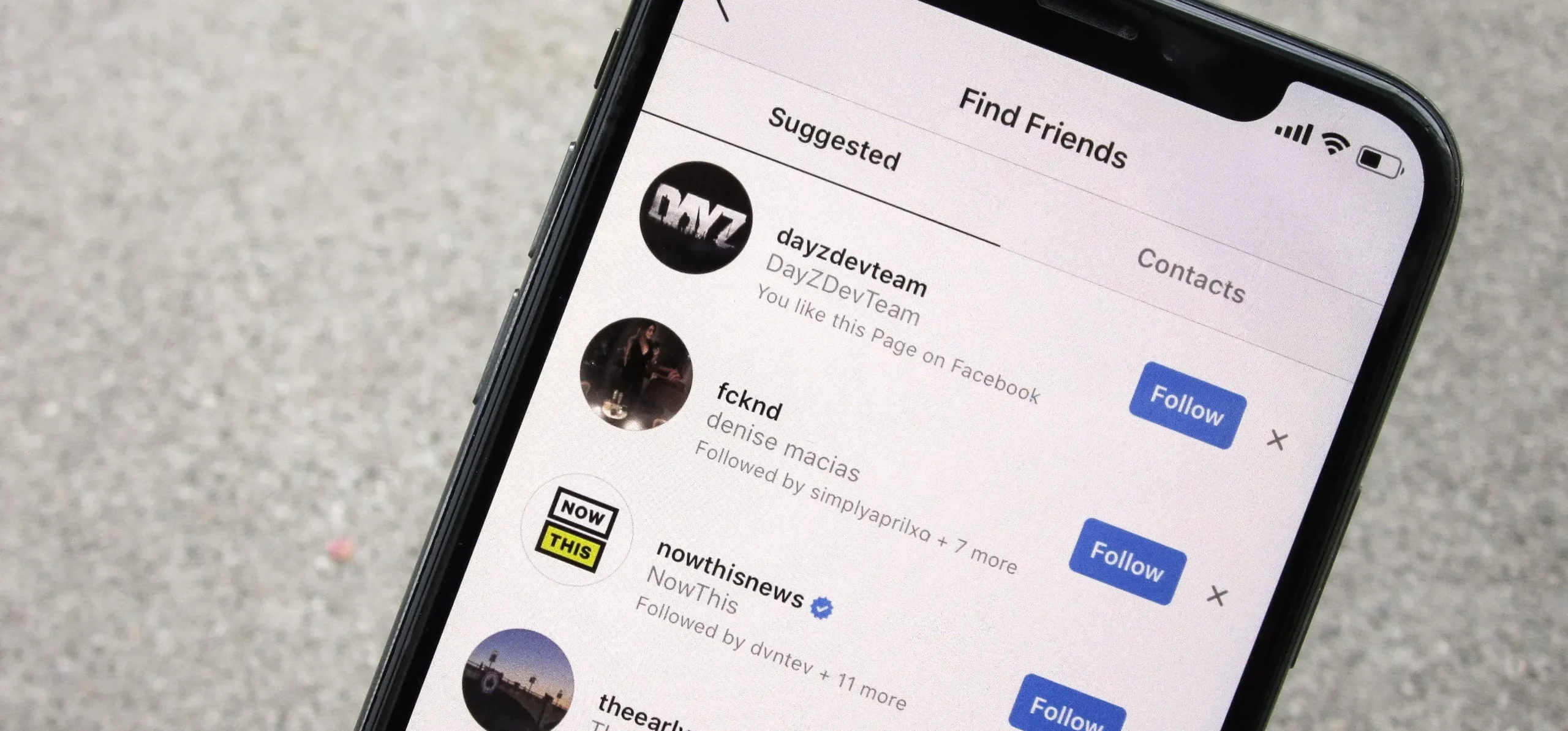
When you give Instagram permission to access your phone contacts, the app automatically matches numbers in your phone to Instagram accounts linked to those numbers. If a match is found, you will see those profiles under suggested accounts.
Here’s how you can use this method safely:
Step 1: Save the Number in Your Phone
Start by saving the person’s phone number in your contacts list. Make sure you include the correct country code, especially if it is an international number.
Step 2: Open the Instagram App
Launch your Instagram app on your smartphone. This method only works on the mobile app, not on the desktop version.
Step 3: Enable Contact Syncing
Follow these steps:
- Tap your profile icon at the bottom right of the screen.
- Tap the menu icon in the top right corner and select Settings and privacy.
- Go to Account Center or Your information and permissions.
- Choose Upload contacts or Connect contacts.
- Allow Instagram to access your phone contacts.
Once done, Instagram begins scanning your saved contacts and suggesting accounts that match.
Step 4: Check the “Discover People” Section
Go back to your profile and tap on Discover people. You may find the profile of the person whose number you just added.
Keep in mind that this only works if the other person has linked their phone number to their Instagram account and allowed it to be discoverable through contacts.
Reasons You Might Not Find the Account
Even when you follow all the steps correctly, you may not see the person’s profile in your suggestions. That usually happens for one of these reasons:
1. The Number Is Not Linked to Their Instagram Account
Some users sign up using their email instead of a phone number. If the number is not connected to their profile, the system cannot find it.
2. They Disabled Discoverability
Instagram allows users to decide whether their phone number can be used to suggest their profile. If this setting is off, their account will not appear in your contact suggestions.
3. They Changed Their Number
If the person updated their phone number but did not change it on their Instagram profile, your contact list will not match their account.
4. You Need to Refresh the Sync
Sometimes the contact syncing feature takes a while to update. You can refresh it by disconnecting and reconnecting your contacts.
Alternative Ways to Connect with Someone on Instagram
If contact syncing does not work, there are a few legitimate alternatives you can try.
Search by Username or Name
If you know part of their name or username, type it into the search bar. Instagram’s smart search feature will suggest profiles that are close matches.
Look Through Mutual Followers
If you have common friends, check their follower or following lists. You might find the person’s account there.
Ask for Their Profile Link
The easiest way to connect is to ask directly for their Instagram link. It saves time and ensures accuracy.
Use Other Social Platforms
If you are already connected on WhatsApp, LinkedIn, or Facebook, many users link their Instagram profiles in bios or status updates.
Each of these methods respects privacy while helping you connect legitimately.
What Not to Do
When searching for accounts online, always prioritize privacy and ethics. Avoid using unverified apps or websites that claim to reveal hidden Instagram profiles by number.
These third-party tools often:
- Violate Instagram’s terms of service
- Collect your personal data
- Display inaccurate results
- May expose your account to security risks
The safest way to find an Instagram account is through official Instagram features, not external services.
How to Control Who Finds You on Instagram
If you are concerned about privacy, you can manage how others find you on Instagram.
Here is how:
- Go to Settings and Privacy.
- Select how others can interact with you.
- Look for Discoverability and contacts.
- Toggle off the option that allows people to find you using your phone number.
This gives you control over who can locate your profile while keeping your account visible only to those you choose.
Why Privacy Matters on Social Media
Social media makes it easy to stay connected, but privacy should always come first. Your phone number is personal information that can link multiple accounts and services.
Instagram’s privacy policies are designed to:
- Prevent unwanted searches and spam
- Protect users from impersonation
- Give users control over how they are found online
Being aware of these rules helps you use social platforms responsibly.
Safe Online Practices to Remember
Here are a few tips to stay safe while connecting with others on Instagram:
- Only sync contacts when necessary.
- Review your app permissions regularly.
- Avoid sharing personal details in public posts.
- Keep your account private if you want more control.
- Report suspicious activity to Instagram immediately.
Practicing online safety is part of digital literacy, a skill every social media user should develop.
Conclusion
It is possible to find instagram account connected to a phone number, but only through Instagram’s official contact syncing feature. Direct number searches no longer exist to protect user privacy.
If someone has linked their phone number and allowed discoverability, you will likely find them under suggested accounts. Otherwise, you can still connect through mutual followers, usernames, or profile links.
Learning how these tools work responsibly helps you stay informed and safe online. If you want to understand more about using digital platforms wisely and building real-world skills, Seekho offers practical lessons that simplify complex digital concepts and make learning effortless.
By learning how technology works and using it correctly, you can enjoy the benefits of social media while keeping your privacy protected.